App Screenshots



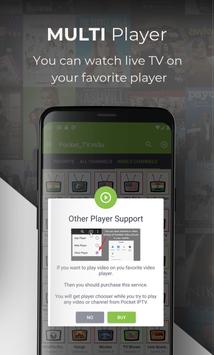

Custom playlist media player for television and video streaming.
New Update Now Available:
Easily mark channels as favorites for quick access.
Instant URL detection and playlist addition.
Improved user interface.
Enhanced app performance.
Coming Soon
Unlock all features with a single pro purchase. No need to buy individual features separately.
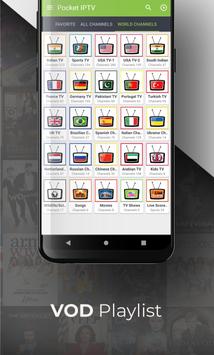
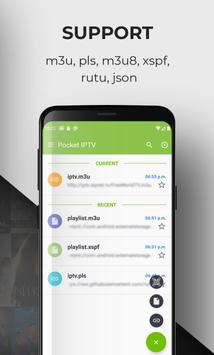
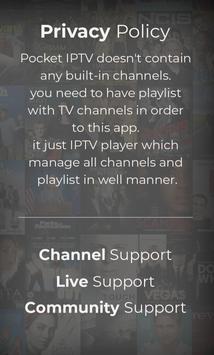
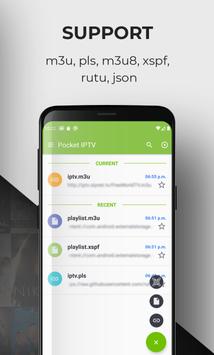
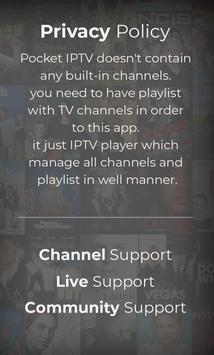
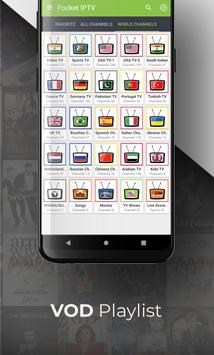
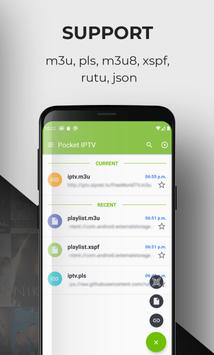
Pocket IPTV serves as a specialized media player designed to stream live television channels and on-demand media by importing user-provided playlists. Instead of supplying built-in channels or subscription packages, the app acts as a platform for organizing and rendering video feeds across mobile devices, television screens, and streaming sticks. Users can import stream configurations using multiple format standards, including M3U, M3U8, PLS, RUTU, JSON, and XSPF files or web URLs. Additionally, it features a built-in QR code scanner to load playlists instantly without requiring manual text entry.
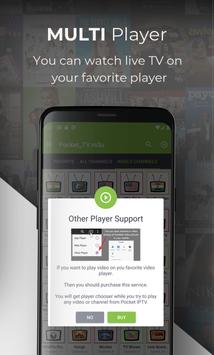
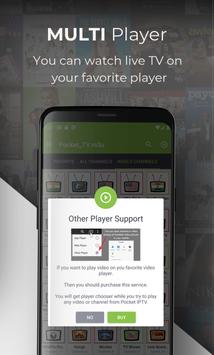
Setting up a stream feed can be accomplished by pointing the app to locally stored files, entering a network URL, or scanning a QR code containing the link details. Once loaded, the software automatically parses the structure into organized categories. Video playback relies on an internal player equipped with on-screen gesture controls for adjusting brightness and volume. For feeds that encounter codec or playback issues within the native engine, users can redirect the stream to third-party external applications such as VLC Player or MX Player.
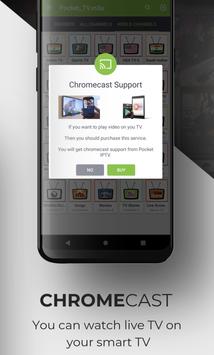
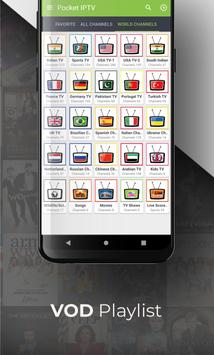
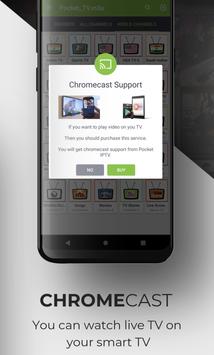
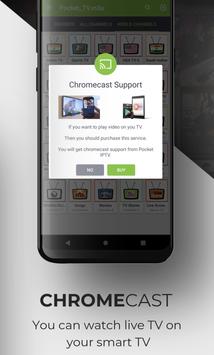
The platform includes administrative tools to help organize large channel catalogs. Category-level parental controls allow users to restrict access to specific sections, while a dedicated favorites system enables quick access to frequently watched streams across any loaded source. For viewing content on larger screens, built-in Chromecast support lets users cast active streams from their mobile device directly to a display receiver. The app operates across standard mobile data networks and Wi-Fi connections, and it includes an option to permanently disable displayed advertisements.
Your comment was submitted and is awaiting moderation.
Your comment was published.