App Screenshots
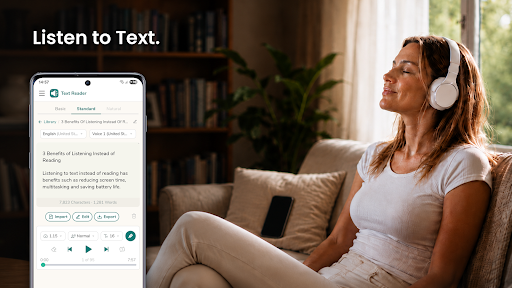
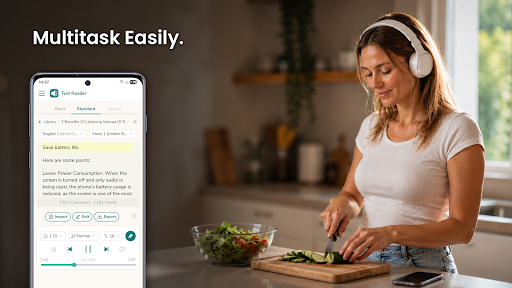
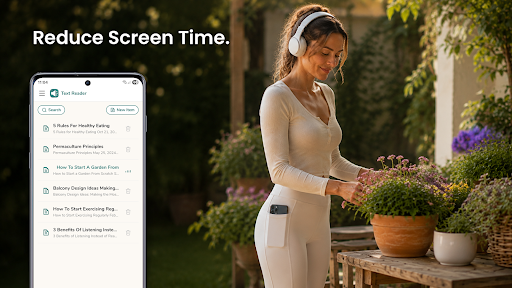
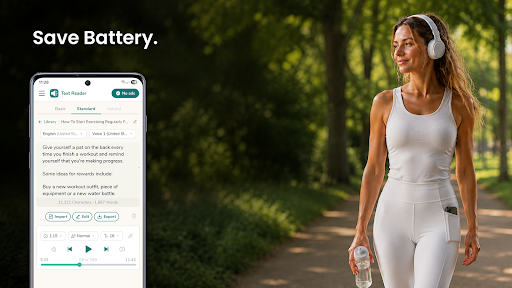

Convert written text into spoken audio.
You can now turn sentence highlighting and auto-scroll on or off separately, with two new toggle buttons below the text.
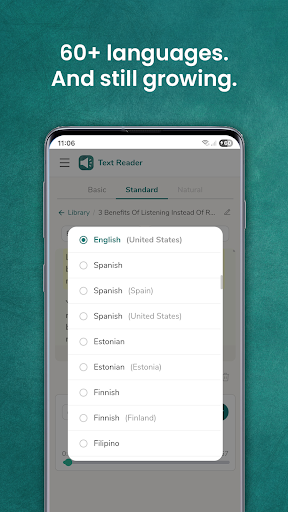
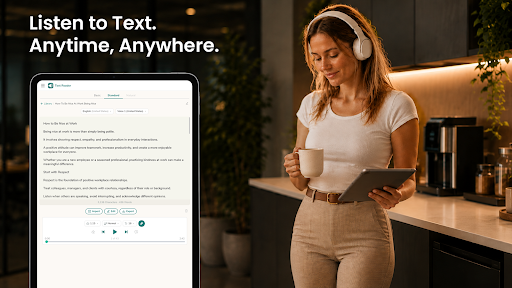
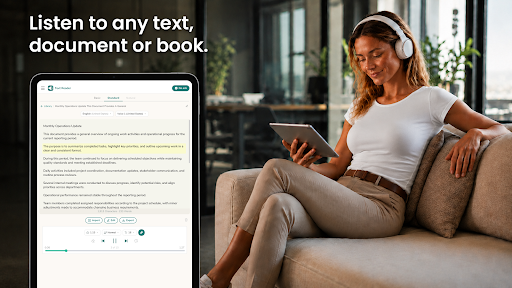
Listening to long documents, articles, and ebooks can be far more convenient than spending hours glued to a screen. Text Reader: Text to Speech converts written content into spoken audio across more than 70 languages, allowing you to catch up on reading while commuting, cooking, or resting your eyes. It imports major file formats, lets you control playback directly from your lock screen, and can even export generated speech as standalone audio files so you can listen anywhere.
Getting content into the app is straightforward. You can import PDF, Word, EPUB, and plain text files directly, or use your device’s share menu to send text over from other applications. Once a document is loaded, you have detailed control over how it sounds. You can select between male and female voices, alter the pitch, and adjust reading speeds anywhere from slow speeds up to 3x fast-forwarding for quick skimming.
To help you stay focused or review complex material, the screen displays follow-along text highlighting that moves word-for-word with the voice. A repeat mode lets you loop specific passages, and the system automatically saves your reading position so you can resume exactly where you left off later.
Beyond simple playback, the app helps manage written and spoken content. You can organize an on-device library of saved texts and search through it anytime, even while offline. If a document contains stray technical characters or formatting noise like asterisks, a built-in clean symbols tool filters them out so they are not spoken aloud.
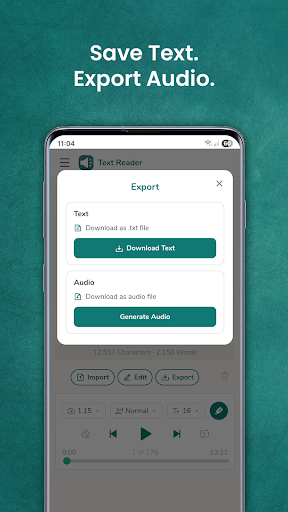
When you prefer to listen outside the application, you can generate audio directly from your text and save it as a standalone file compatible with standard music apps. If you edit or process text within the application, you can also export copies back out as PDF or plain text files.
The interface automatically adjusts to your system settings, supporting a native dark mode alongside right-to-left language layouts for scripts such as Hebrew and Arabic. Background playback functions continuously when your screen is locked, giving you full media control through system notifications, your lock screen interface, or connected Bluetooth accessories.
Your comment was submitted and is awaiting moderation.
Your comment was published.