App Screenshots

Cross-platform file transfer tool
1. Other bug fixes and transfer optimizations
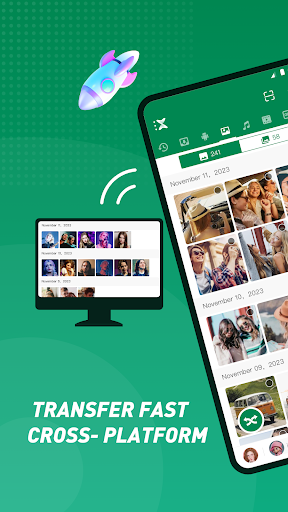
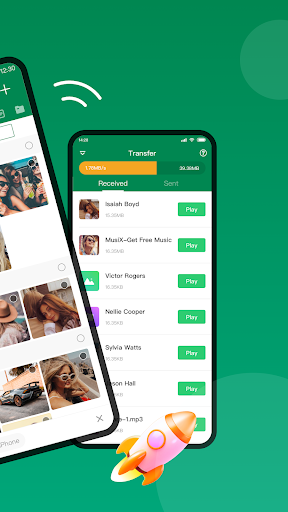
Transferring large files across different operating systems often requires external drives or cloud storage services that consume mobile data. Xender – Quick Share, Transfer serves as a direct local sharing tool that moves documents, media, and applications between devices without relying on cellular data, internet connections, or physical USB cables. The app creates a direct Wi-Fi connection between hardware, achieving transfer speeds up to 40 MB/s—significantly faster than standard Bluetooth—with no restriction on file size.
The app establishes local wireless connections between handheld devices, Windows PCs, and Mac computers. Users can move any file format, including documents, MP3 audio, MP4 video, zipped archives, and full applications. It also includes a dedicated phone clone feature that migrates contacts, media, and other phone content from an old device to a new one in a single step.
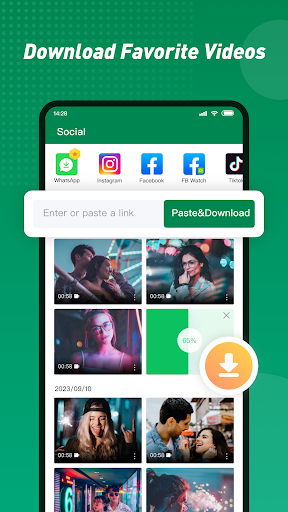
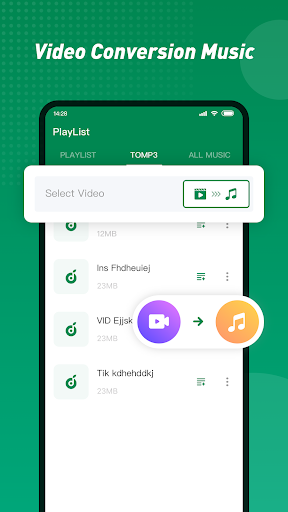
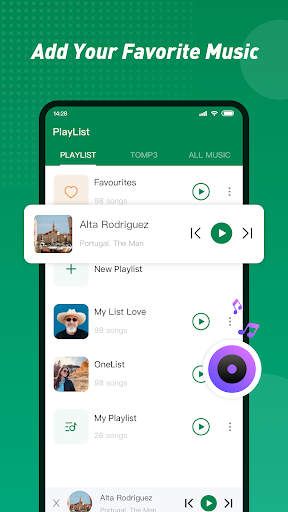
Beyond basic transfers, the app includes built-in utility features for handling media files. It functions as a file manager to view device storage and delete unneeded files to free up space. An integrated media player opens received songs and videos immediately after the transfer completes. The app also features a video-to-audio converter that extracts MP3 sound tracks from video files, alongside a downloader tool designed to save photos and videos directly from supported social media platforms, including Facebook, Instagram, TikTok, and WhatsApp.
When connected to a computer, the app turns the desktop browser into a wireless management console. Users can view, upload, download, and clear out photos, videos, and music stored on their mobile device directly from the PC or Mac interface, eliminating the need to physically plug in the device.
Your comment was submitted and is awaiting moderation.
Your comment was published.