App Screenshots
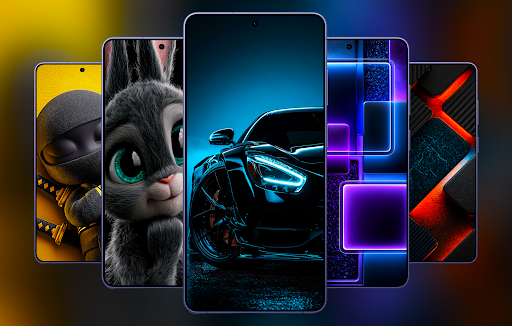
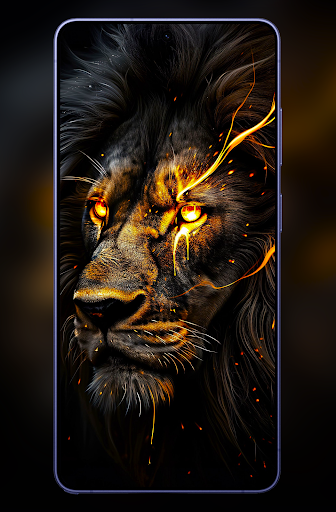
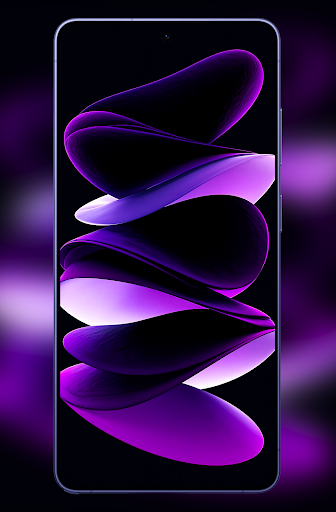
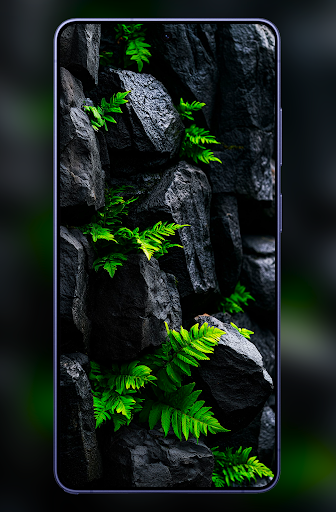
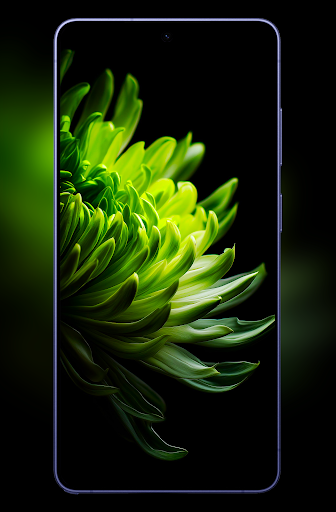
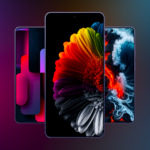
Live wallpapers and HD image collection
Personalizing a device display often involves choosing between animated motion and static visual art. UltraFolio 4K Live Wallpaper functions as a dual-purpose background management app that delivers both live, animated backgrounds and high-definition still imagery. It provides built-in tools to preview how images fit around on-screen elements before applying them, edit still graphics with visual filters, and separate your look across different screens.
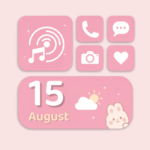
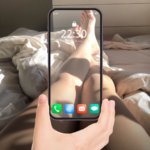
Selecting a still background requires checking how the artwork interacts with your layout. Built-in mockup previews display images within the context of a home screen or lock screen, making it easier to evaluate subject placement, surrounding negative space, and alignment relative to app shortcuts. If a photo or digital illustration needs a different tone, integrated visual filters allow quick style adjustments before setting the graphic. Users can apply a finalized image directly to the home screen, lock screen, or both simultaneously, or save a copy locally to their storage. This flexibility lets you pair a busier graphic on the lock screen with a quieter background on the home screen to keep app icons legible.
The image library organizes static wallpapers into specific visual subjects. Users looking for darker aesthetics can browse dedicated dark and AMOLED collections designed for deeper background tones. Additional categories cover abstract patterns, anime character art, nature photography, botanical close-ups, and automotive imagery. The catalog also features AI-generated artwork for broader stylistic variety. A Recently Added tab highlights newer uploads to help repeat visitors find fresh images without searching the full collection.
Finding the right background across multiple categories is handled through internal saved lists. Users can mark still images into a Favorites list to build a local shortlist before making a final choice. The app also logs recently applied imagery, providing a quick way to locate and re-apply a background used in the past. Beyond applying graphics to your device, stored backgrounds can be shared directly through other compatible applications.
Your comment was submitted and is awaiting moderation.
Your comment was published.