App Screenshots
Console-style frontend for mobile game collections
📢 v1.16.1: Updated features and fixed some issues.
[🟢=New Feature, 🟠=Feature Update, 🟣=Fix]
Here are some improvements from the last version of Gamedeck:
🟠 Update: The transparent blur effect of the Evo Dock has been re-enabled.
🟠 Update: Updated the transparent blur effect performance in the Accessories window.
🟣 Fix: Fixed the button text color issue where button text was previously occluded in some theme color settings.
[...]
I hope you enjoy Gamedeck. Keep gaming.
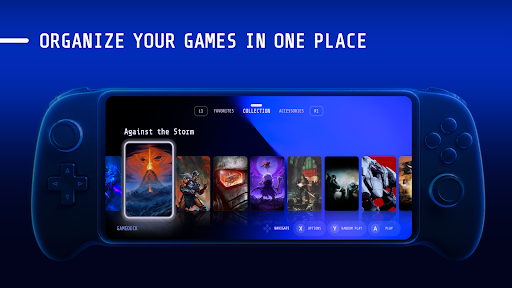
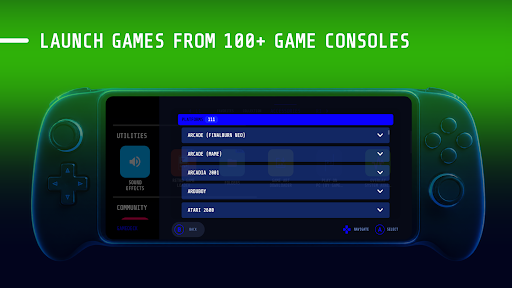
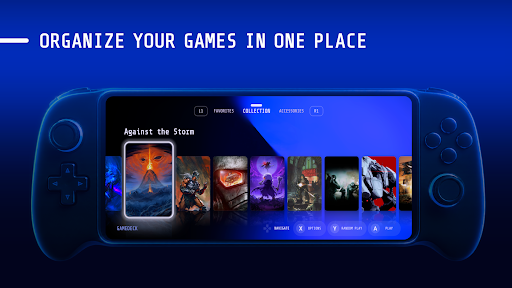
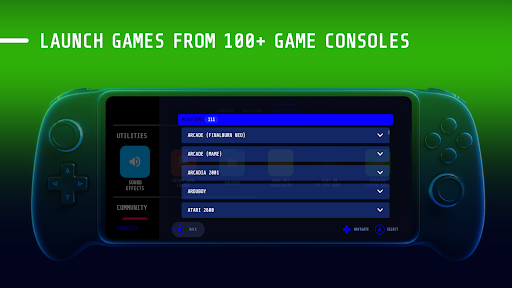
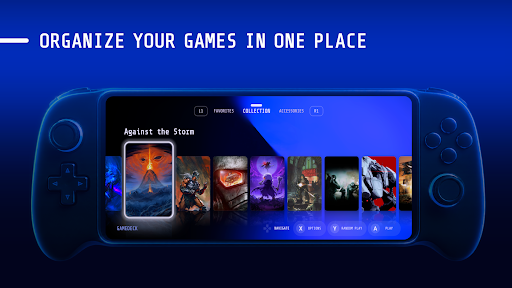
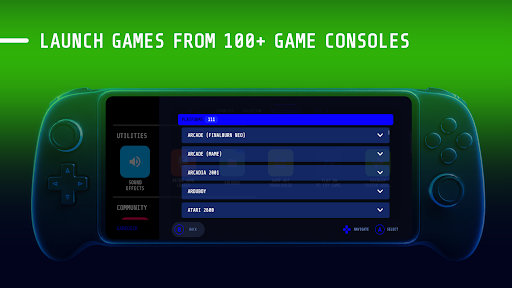
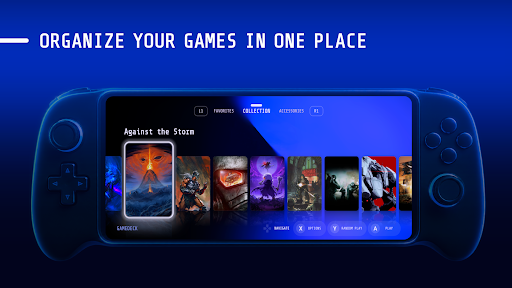
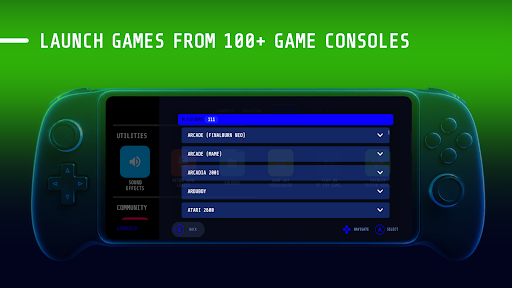
Replacing standard home screens or basic vendor hubs like Samsung Gaming Hub and Xiaomi Game Space, Gamedeck – The Game Launcher builds a unified frontend that transforms your mobile device into a handheld console interface. The app consolidates local mobile titles, emulators, and ROM collections across more than 100 supported console platforms into a single organized hub. Beyond simple app launching, it provides deep visual customization alongside real-time hardware monitoring and built-in controller integration, giving mobile gamers a centralized place to manage and play their library.
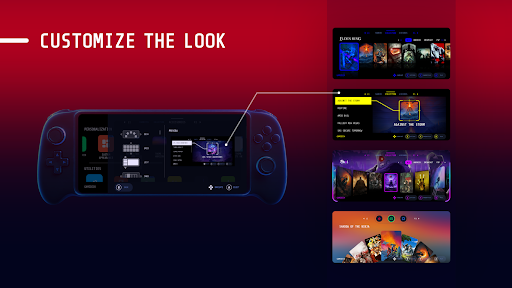
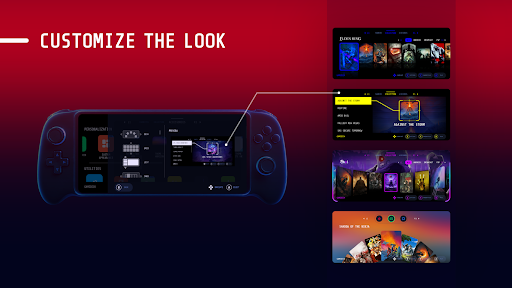
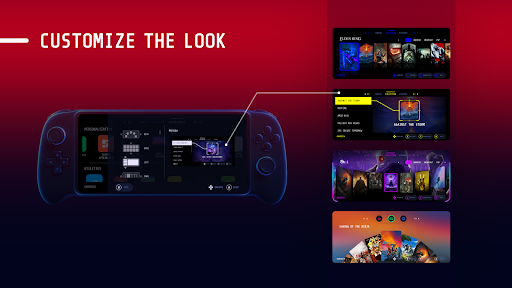
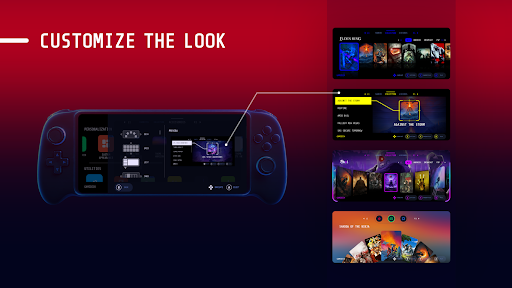
The app automatically groups installed titles, emulators, ROMs, and related utilities into customized library grids designed to mirror modern console software. To refine the visual layout, you can edit cover art, banners, background wallpapers, dock placements, fonts, and animation styles. A built-in game art downloader helps complete missing media for your library items, while custom folder structures allow you to group software by platform, series, or personal preference. You can apply pre-made interface themes or construct custom visual profiles from scratch.
Navigating the interface does not rely on touch input alone. The frontend features complete navigation support for both Bluetooth and USB gamepads, allowing you to browse menus, select titles, and adjust options entirely through hardware controls. A dedicated gamepad tester tool is built directly into the app, enabling you to verify button inputs, trigger responsiveness, and analog stick mapping before launching a title.
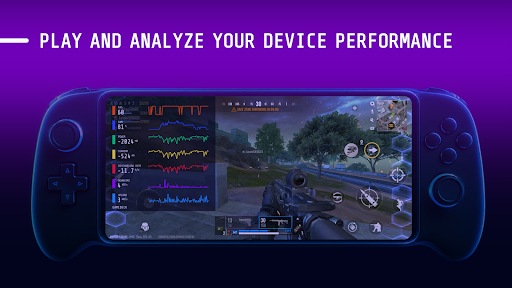
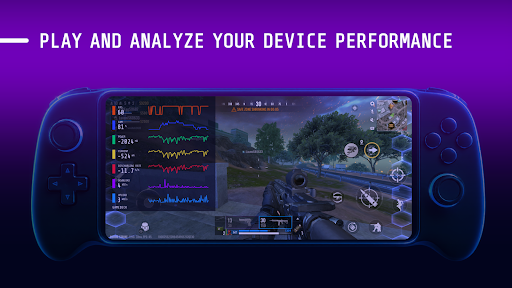
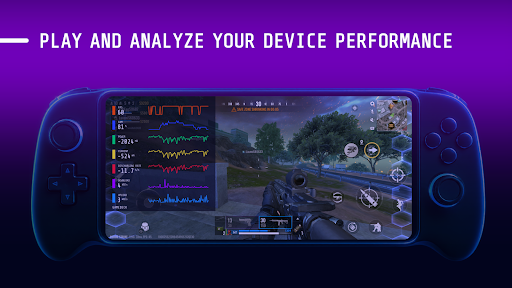
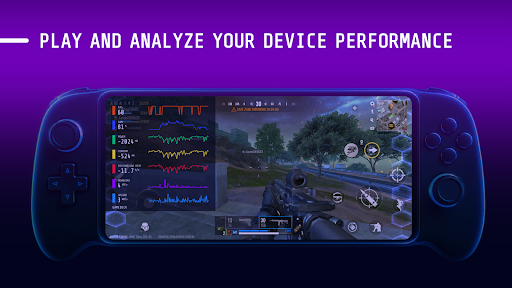
While running software, an overlay system analyzer displays real-time telemetry over your screen, including metrics for FPS, RAM usage, power consumption, and network activity. Gamedeck also integrates quick-access system shortcuts into its interface, allowing you to toggle Bluetooth connections, adjust display settings, trigger system utilities, or launch favorite secondary apps without dropping back to the default device home screen.
Your comment was submitted and is awaiting moderation.
Your comment was published.