App Screenshots
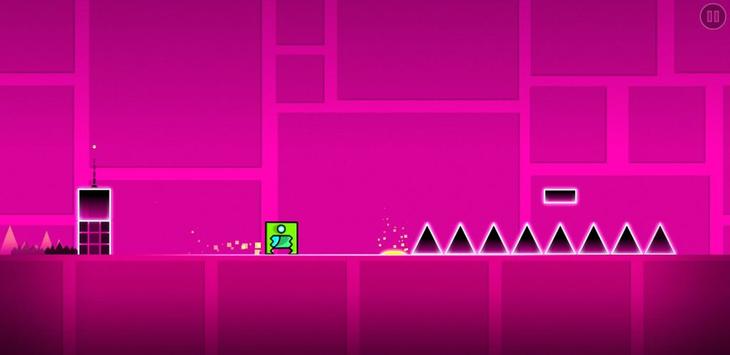
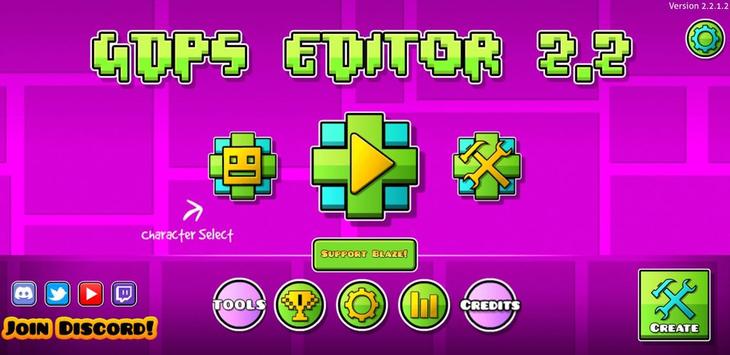
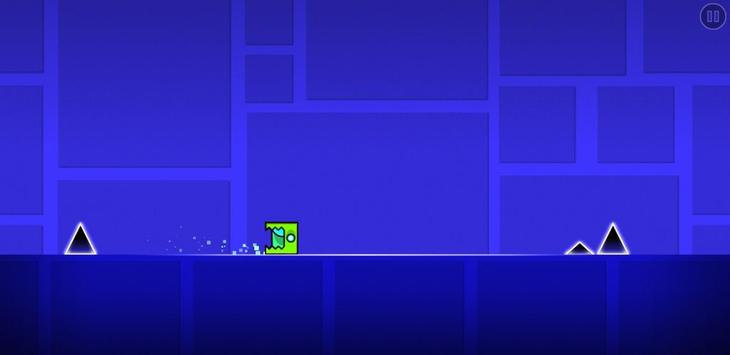
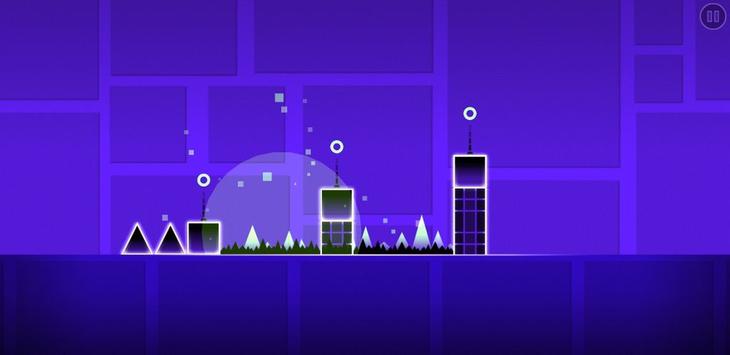

Custom rhythm level creation editor
Building rhythm-focused obstacle courses often requires specialized design tools, and GDPS Editor provides a visual environment dedicated to assembling custom level layouts. Users place spikes, hazards, paths, and collectible rewards onto a structured grid to shape movement and timing challenges inspired by Geometry Dash-style mechanics. Because the design process relies entirely on drag-and-drop mechanics rather than code or scripting, creators can quickly structure precise jumps and test level flows using an built-in preview system.
Level creation takes place on an open grid designed for clear spatial planning. Creators select elements from a side panel and drop them directly onto specific grid tiles to define the player’s path. This visual approach allows for detailed management of jumps, hazards, and safe routes, enabling users to fine-tune precision spacing without relying on conditional logic or programming scripts. Objects can be freely moved and stacked to create varied elevation changes or line up complex sequences of hazards.
The editor emphasizes timing and movement flow, allowing creators to chain obstacles together in sync with rhythm runner mechanics. Designers can place hazards to push quick reactions, introduce alternate routes, and position collectible rewards to guide player movement through difficult paths. Because advanced scripting is absent, the tool focuses primarily on spatial challenges, making it effective for clean timing sequences while limiting complex puzzle or narrative-driven mechanics.
A core functional tool is the instant preview feature, which allows creators to test their level mechanics immediately within the editing interface. By running through the layout in real time, users can verify whether jumps feel responsive and if hazard timing matches the intended beat. If a segment proves too difficult or unreadable, creators can immediately pause, shift an object a single tile over, shorten a gap, or adjust a reward placement to balance the overall difficulty before finalizing their creation.
Your comment was submitted and is awaiting moderation.
Your comment was published.