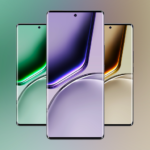
App Screenshots
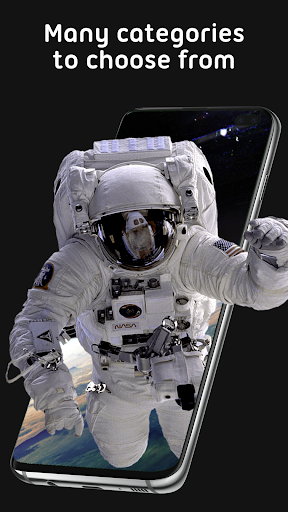
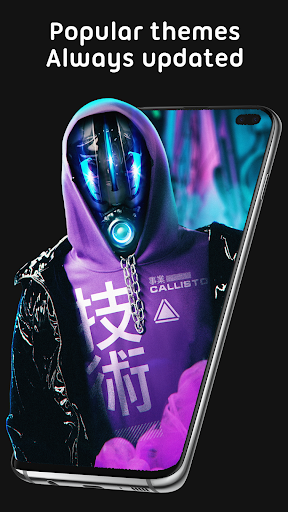
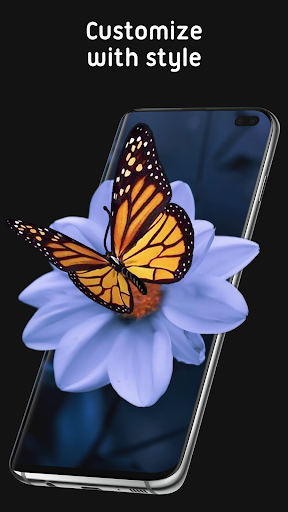
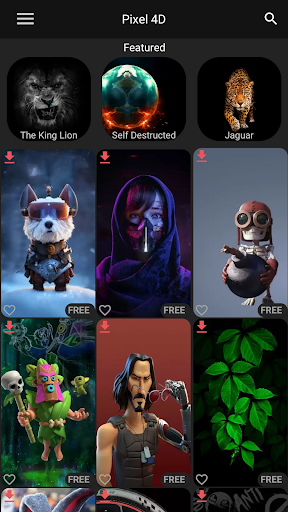

Animated depth backgrounds and motion visuals
Better user experience
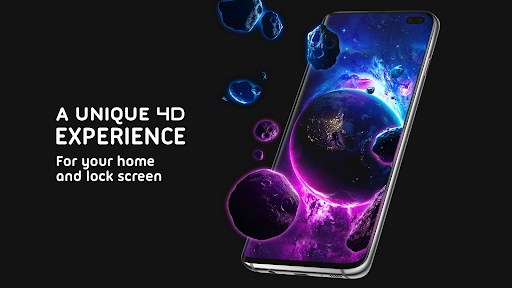
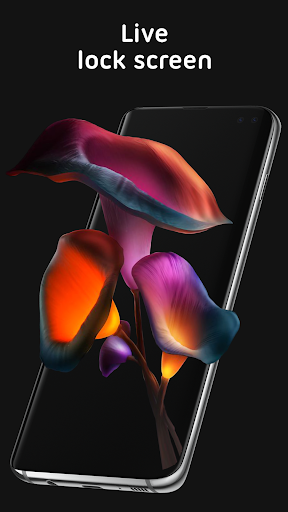
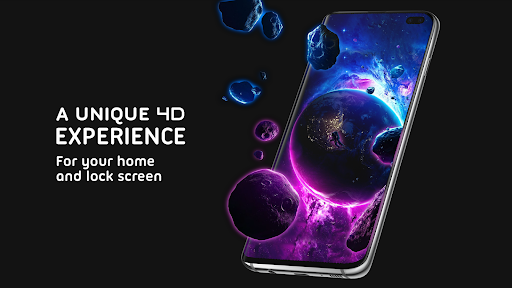
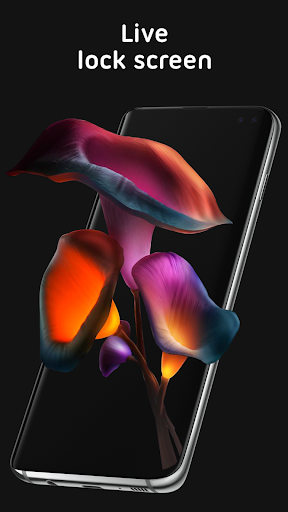
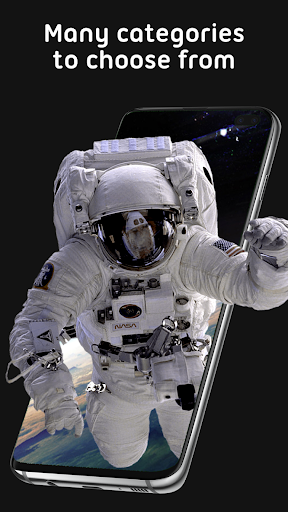
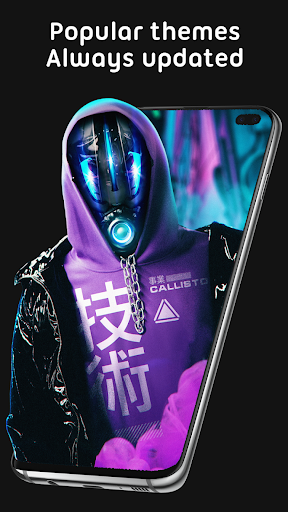
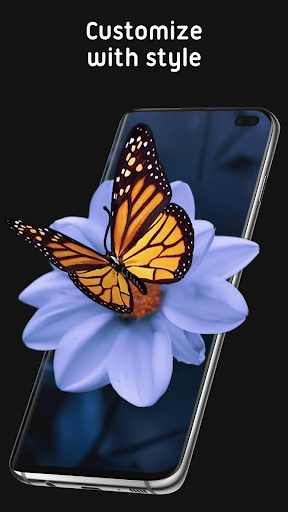
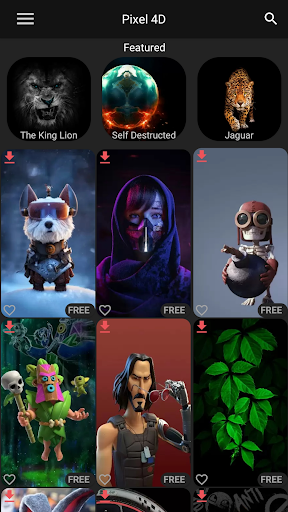
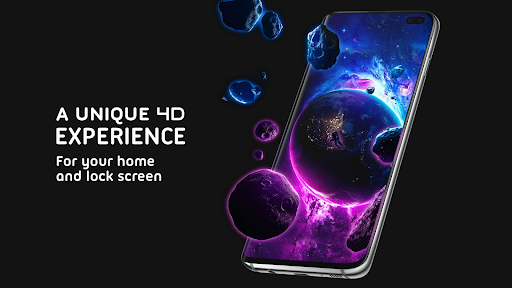
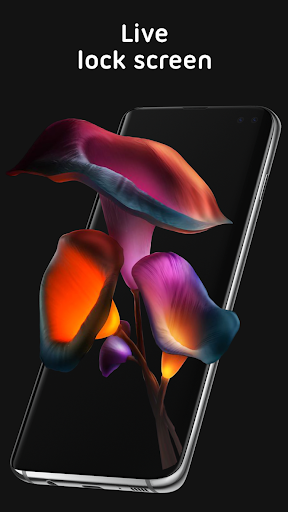
For anyone looking to move beyond static phone backgrounds, Pixel 4D™ Live Wallpapers provides animated 3D and 4D depth-effect wallpapers designed for both screen surfaces. The app features a library of over 300 motion backgrounds spanning categories such as anime, superheroes, nature, and vehicles in 4K resolution. What distinguishes this app is its dual-wallpaper capability, which allows you to apply different 3D moving backgrounds to your lock screen and home screen at the same time, complete with dynamic tilt interactions that react as you move your device.
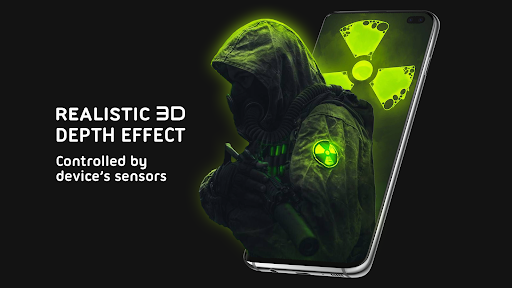
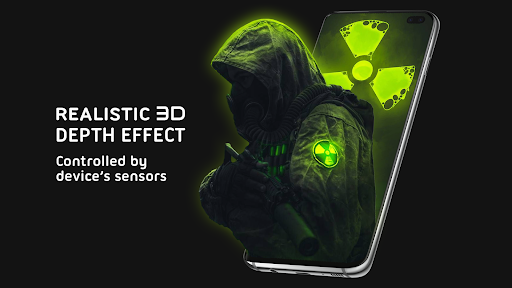
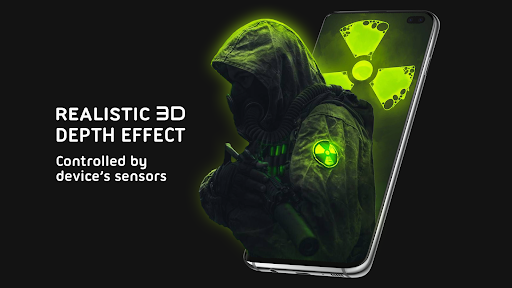
Configuring live backgrounds typically limits a device to a single animated loop across all screens. Pixel 4D allows independent selection for the home screen and lock screen, letting you pair distinct 3D visuals without repeating the same animation. The integrated 4D depth effect relies on the motion sensors in your hardware, shifting the visual perspective as you tilt the phone. A built-in search engine helps browse the content library by specific themes or keywords.
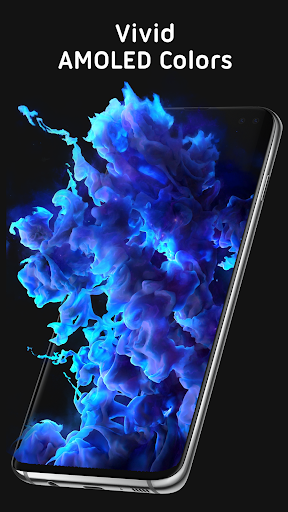
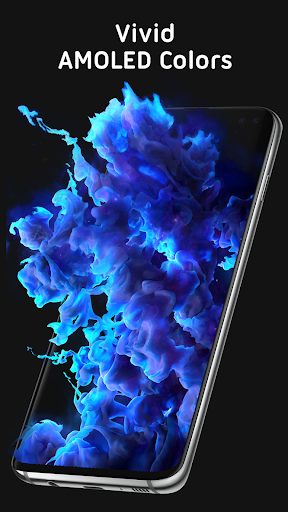
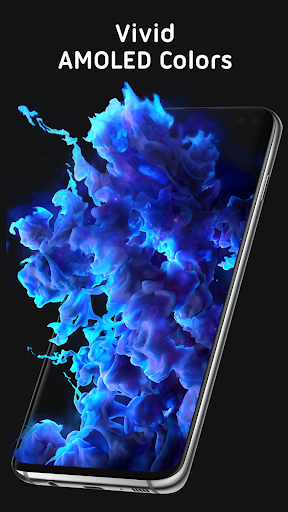
Running live animations can increase hardware resource usage, but the app includes dedicated controls to balance visual intensity against energy consumption. You can manually adjust the strength of the motion effects to match your visual preference or enable a battery-saving mode to minimize system drain. The developers document standard animated background battery usage at under 2% overall, while specialized visual options optimized for AMOLED displays drop energy draw under 0.5% by utilizing true black pixels.
If you prefer to vary your screen presentation without manual updates, the app includes an auto-changer tool. Enabling this function automatically cycles your lock screen or home screen to a new live background on a daily schedule, drawing from your selected background categories.
Your comment was submitted and is awaiting moderation.
Your comment was published.