App Screenshots
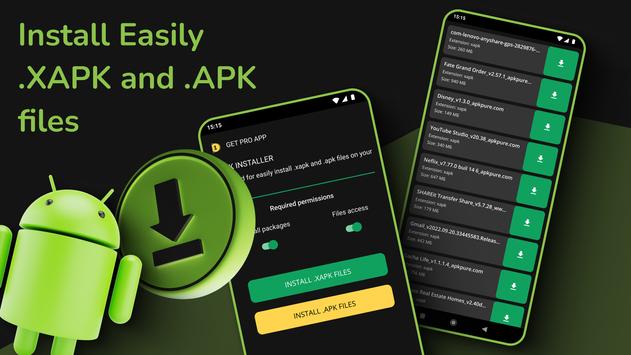


Manages package setups and extractions
- added required changes for Android 11
- added French language support
- bug fixes & performance improvements
Managing large app packages manually often involves unzipping archives and creating precise folder paths by hand. XAPK Installer simplifies this sideloading process by automatically detecting installer files stored on your device and handling the extraction of required OBB data in a single step. Beyond local file management, it includes a built-in downloader capable of processing direct file URLs and links from external sources like APKPure, allowing you to fetch and set up large applications without jumping between a web browser and an isolated file manager.
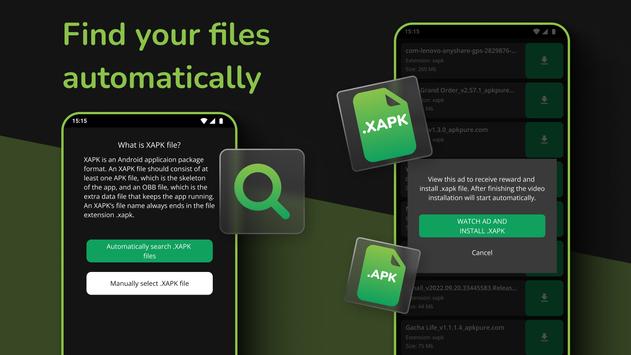
Finding downloaded files scattered across internal storage can slow down manual installations. The app automatically scans your storage upon launch to identify all .apk and .xapk files, organizing them into a unified list in seconds. This central view removes the need to browse individual folders when setting up packages transferred via Bluetooth, cloud services, or a desktop connection.
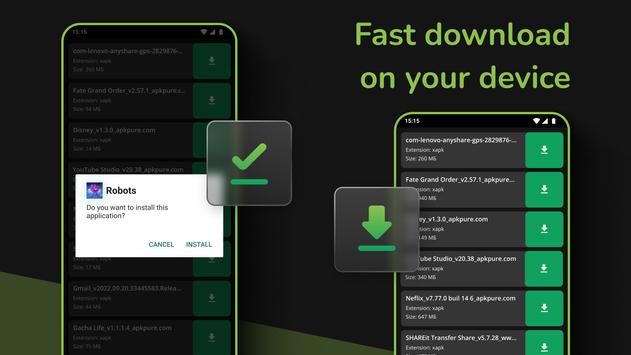
Large applications frequently split their code and asset files, requiring OBB data to reside in a specific system directory before running. The app extracts these bundled archives and writes the files directly to the correct destination paths without requiring manual file moving. While this process automates the setup for heavy packages, system-level extraction issues can occasionally occur on certain device models. If an installation fails, clearing storage space, re-downloading the package, or restarting the utility generally resolves the issue.
Rather than relying on separate tools to fetch and install packages, the app features an integrated downloader that accepts direct file URLs alongside APKPure links. You can paste a supported web link into the interface to monitor download speed and progress, then transition directly into package extraction once the file completes. The free version displays advertisements during operation, which can occasionally pause an active download session until closed, though an ad-free tier is available to prevent interruptions.
Your comment was submitted and is awaiting moderation.
Your comment was published.