App Screenshots

Text to speech and document audio reader
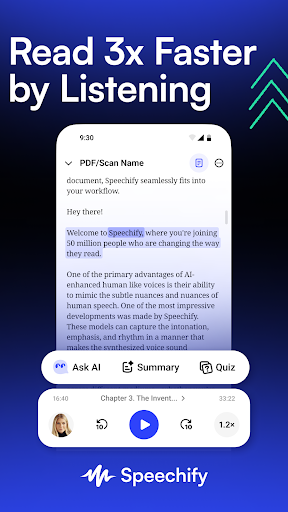
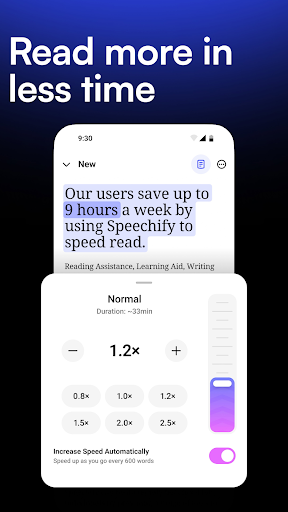
Speechify – Text to Speech PDF converts digital text, physical documents, and screen content into spoken audio using natural-sounding AI voices. The app plays back imported PDFs, articles, emails, and web pages at adjustable speeds up to 4.5× (900 words per minute), while integrated voice tools allow users to dictate text directly into other apps or interact with an AI reader to summarize materials and ask questions about the text on screen.
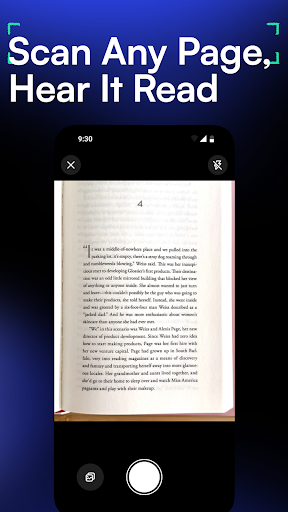
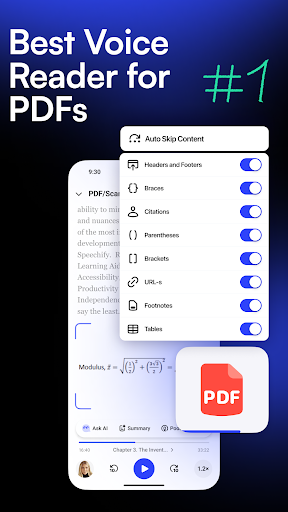
The core functionality centers on turning written text into audio files across multiple formats. Users can import PDFs, digital documents, emails, and web articles to listen to them read aloud. Beyond digital text, the app includes an optical character recognition feature that lets users photograph physical pages or capture screenshots to instantly convert those images into spoken text. For alternative listening formats, the app can transform written documents or custom prompts into styled AI podcasts using formats such as lecture-style or conversational audio.
Beyond listening, the app functions as an input and comprehension tool. The built-in Voice Keyboard allows users to dictate text into any input field across other applications by selecting the designated interface element and speaking. For deep reading and study workflows, the integrated Voice AI Assistant analyzes open documents and screen contents. Users can prompt the assistant to highlight key takeaways, generate summaries of long texts, or create interactive quizzes based on the material currently displayed.
The reading library syncs automatically across devices, allowing users to start reading or listening on a browser extension and resume progress on mobile platforms. In addition to user-imported files, the app provides built-in access to a library of public domain digital books, including titles such as Pride and Prejudice, Frankenstein, and Moby Dick. Users can also annotate their listening sessions using note-taking tools and save specific moments in the audio using precise bookmarks.
Your comment was submitted and is awaiting moderation.
Your comment was published.