App Screenshots

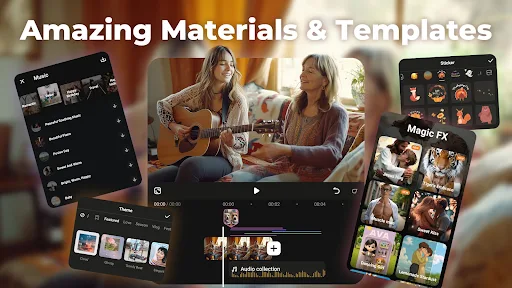

Video editing and movie making tool
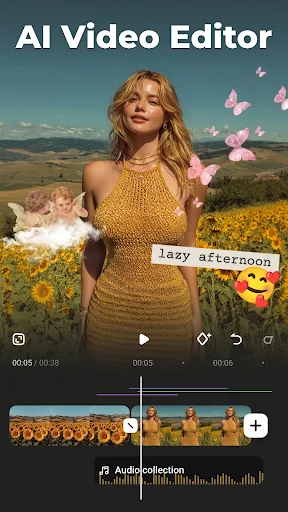
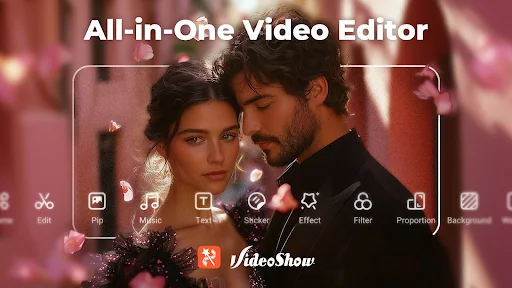
Video Editor & Maker VideoShow provides a complete set of video editing and creation tools for producing vlogs, social media posts, and music videos. Users can trim and splice clips, build photo slideshows, and assemble multi-layer projects using ready-made templates or custom manual edits. It combines traditional editing features like dynamic keyframe controls and custom video overlays with automated AI features that process both audio and visual elements.
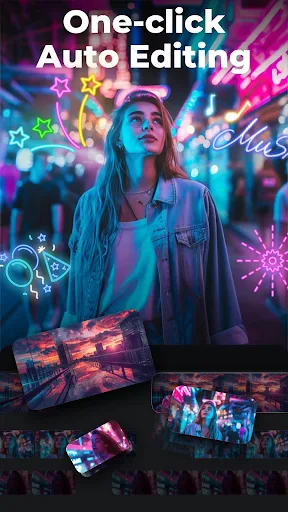
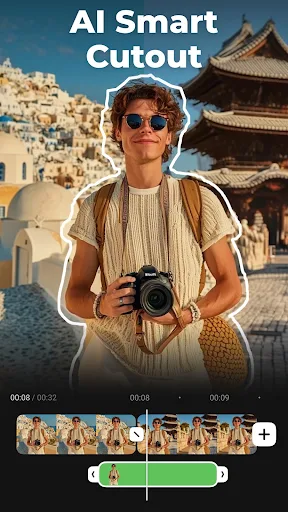
The app includes targeted AI capabilities designed to simplify visually complex tasks. The AI Cutout tool extracts subjects from backgrounds without requiring a green screen, making it straightforward to generate picture-in-picture overlays and cutouts. For privacy management or stylistic choices, AI Mosaic automatically obscures specific regions of a frame. Users can also apply stroke effects, auto-blur, and automated editing workflows that apply matching filters and themes to selected clips.
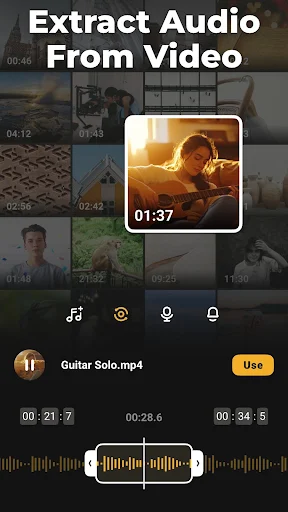
Sound management tools allow users to handle multi-track audio alongside video frames. The app features an audio extractor to isolate soundtrack files from existing video clips, an AI Noise Reduction tool to minimize ambient background sound, and an AI Voice Changer to modify recorded voice-overs. For video captions, an AI Subtitles tool uses automated speech-to-text recognition to convert spoken dialogue into editable text overlays.
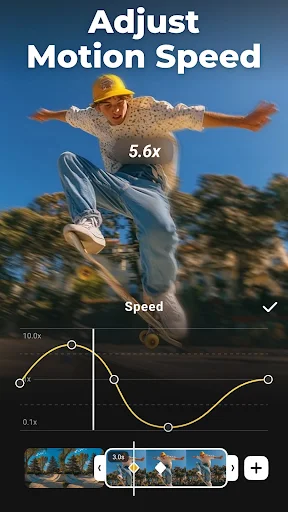
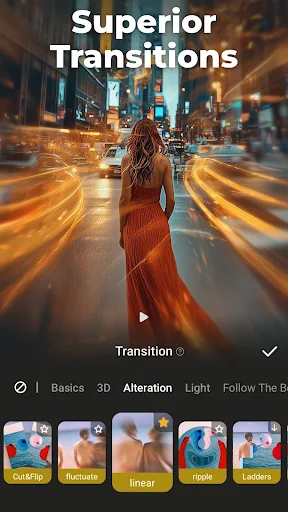
For precise scene adjustments, manual editing tools grant detailed control over project assets. Keyframe animation lets users set precise motion paths and dynamic effects for graphics or text, while mask editing controls how overlapping clips blend together. Users can display multiple videos on a single screen to build double-exposure visuals, adjust video speed, and control clip transitions. Audio layers support separate volume controls along with configurable fade-in and fade-out effects.
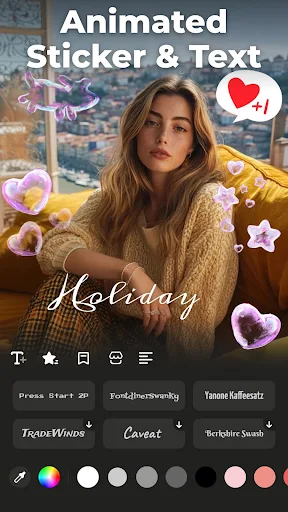
Projects can be adapted for different social platforms by adjusting aspect ratios to fit specific destination formats. The app supports adding scrolling text, stylized fonts, animated filters, GIFs, and licensed background music or local audio tracks from the user’s device. Completed projects can be converted into animated GIFs or exported as high-resolution video files at up to 4K resolution. The free version displays ads and adds a watermark to exported projects, both of which are removed upon upgrading to a VIP subscription.
Your comment was submitted and is awaiting moderation.
Your comment was published.