App Screenshots
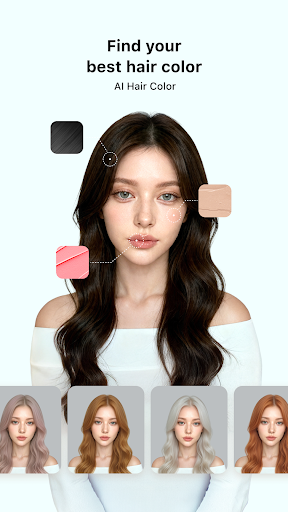
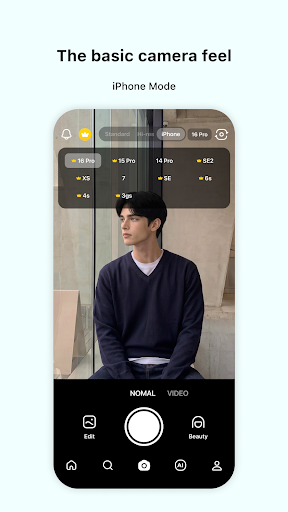
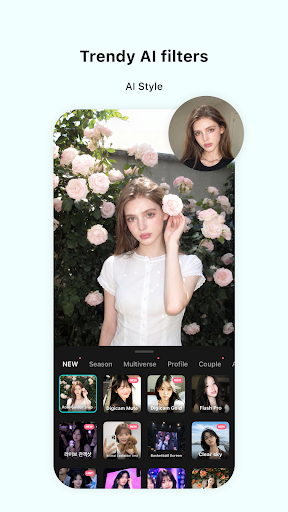
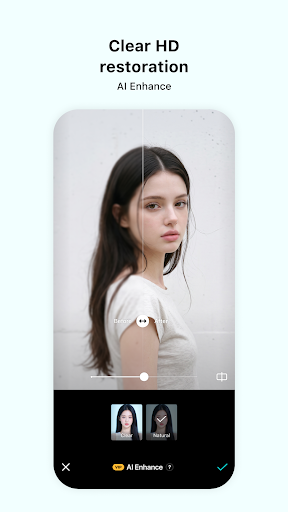
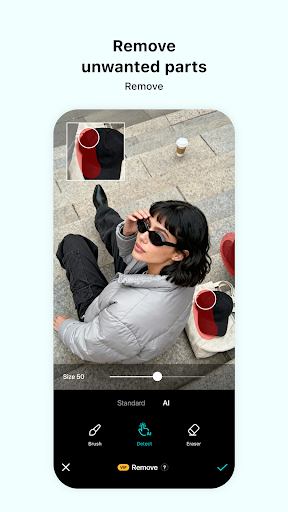
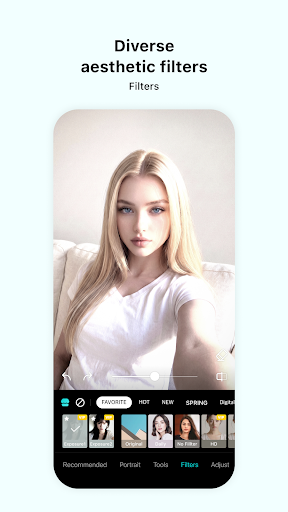
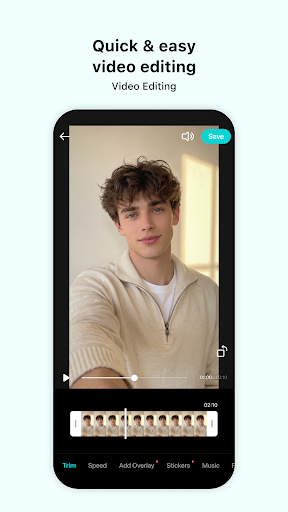
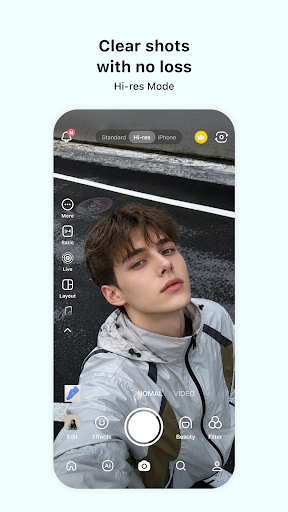
Photo and video editor with filters
[Video Overlay & Stickers]
Overlay another video or photo on top of your video.
Add animated stickers directly to your video, too.
[Text Decoration]
New styles combining Timestamp and Shape elements, plus Favorites, have been added! Decorate your photos with more styles, and save the ones you use often to Favorites.
[AI Flash]
Two new flash models, Soft and G7, have been added.
Experience the unique design of the flash.
B612 AI Photo&Video Editor functions as a dual-purpose camera and media editing tool that lets users capture polished media and apply advanced adjustments to existing photos and videos. Beyond providing real-time beauty filters, built-in music options, and background effect presets, the app enables users to design custom filters from scratch with a few taps. It also features manual color editing controls alongside portrait-shaping capabilities for detailed post-production work.
The built-in camera allows users to shoot photos, record video clips set to audio, and capture looping content using a dedicated GIF Bounce feature. During capture, real-time beauty settings adjust parameters for face shapes and AR makeup styles. Users can record videos directly against a selection of over 500 included audio tracks or extract audio directly from existing video files to create custom sound sources. In addition to using daily updated AR effects and filters created by other users, creators can design their own custom filters within the app using step-by-step touch controls and share them with others.
For static images, the post-editing suite includes tools for both cosmetic retouching and technical color correction. Users can apply body edits, adjust facial proportions, and alter hair color styling. For color grading, the app provides standard contrast and modern aesthetic presets alongside precise tools such as split toning, HSL (hue, saturation, lightness) sliders, and curve adjustments.
Photos can be customized further by cropping to specific aspect ratios for social media platforms, adding decorative borders, or applying text overlays. The editing tools also support custom sticker creation, allowing users to build original graphic elements to place over their images. The same media editor handles short video projects, allowing users to trim footage, apply motion effects, and pair clips with background audio.
Your comment was submitted and is awaiting moderation.
Your comment was published.