App Screenshots

Photography tool with editing and collage features
V3.9.0
💝Improve some functions, easy to snap
🎊Adapted to Android 16, more features
V3.8.9
🌹Improve camera, more powerful
🔥Fix known bugs, better function
V3.8.8
💖Improve gallery, better features
⭐Fix known bugs, more stable
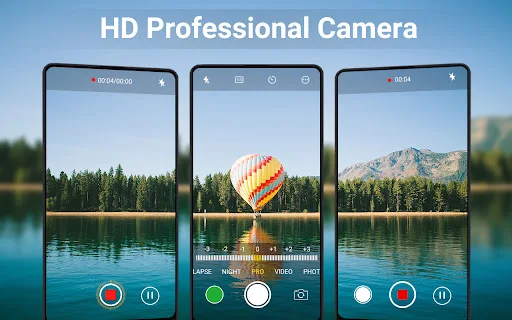
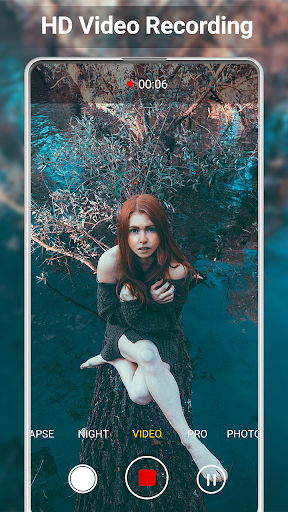
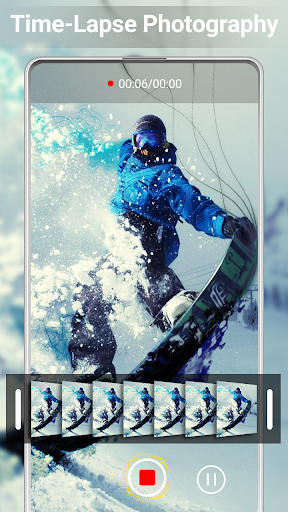
Taking photos and recording high-resolution video often requires shifting between separate capture and editing tools. HD Camera for Android: 4K Cam provides a single interface for taking 4K media, making manual adjustments, and modifying the results. Beyond basic point-and-shoot functionality, it combines live preview filters, manual exposure and focus controls, and built-in post-processing tools to prepare content for immediate sharing.
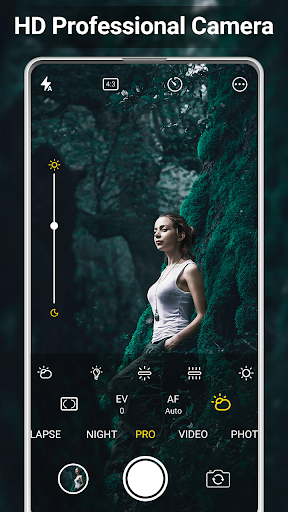
The app gives creators detailed control over image capture settings before taking a photo or recording a video. Users can switch between predefined scene modes, adjust white balance, configure color effects, set ISO sensitivity, and lock or adjust exposure compensation manually. For spatial composition, the viewfinder overlay options include standard grid lines and golden ratio guides. A built-in capture timer allows for delayed shooting, and optional silent capture lets users disable the shutter sound.
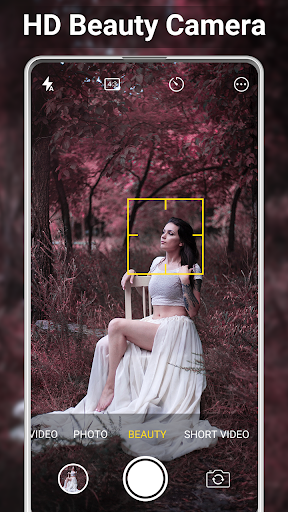
To reduce post-production work, the viewfinder features real-time filter previews that show how color and tone effects will look before the shutter is pressed. For shot consistency, the software relies on automatic stabilization and intelligent face detection to keep subjects clear. It also supports High Dynamic Range (HDR) capture to balance lighting in high-contrast environments, alongside quick snap and continuous shooting modes for fast-moving scenes.
Once media is captured, the internal editor handles both static images and video clips without requiring third-party software. The photo editor pro workspace includes controls to adjust brightness, contrast, color temperature, vignette intensity, and fade levels. Users can combine several photos into custom grid layouts using the built-in collage maker. For video content, the app includes straightforward trim and cut features to shorten clips and prepare short videos for social media uploads.
The app includes utility options for organizing files and adding verifiable context to media. Users can enable GPS location tagging to embed geographic coordinates into image files, or apply visible date and timestamps, location details, and custom text overlays directly onto photos. To preserve internal space when recording large 4K files, the save path can be redirected to an external SD memory card.
Your comment was submitted and is awaiting moderation.
Your comment was published.