App Screenshots
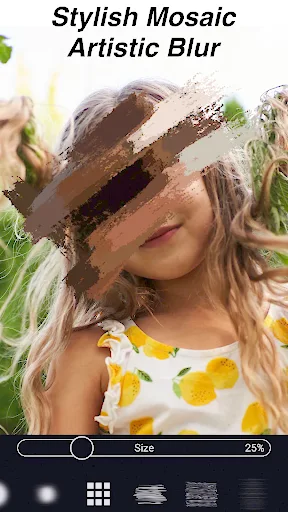


Blur backgrounds and cover faces with mosaic effects
Fixed bugs.
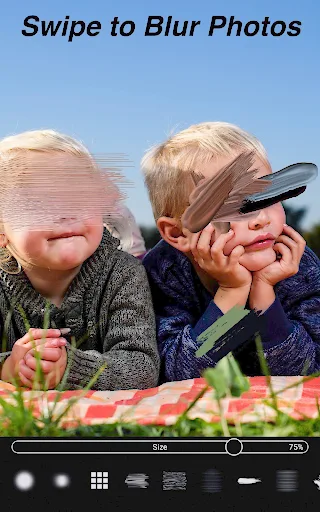
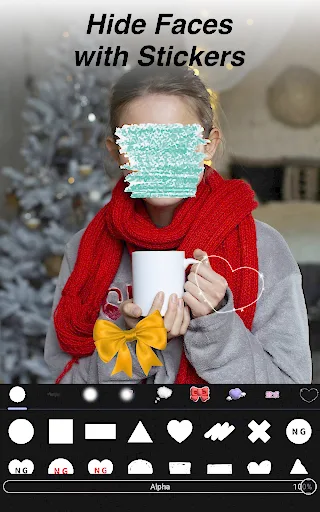
Blur Photo Editor & Mosaic is an image editing app designed to hide sensitive information and modify photo backgrounds using manual and automated masking tools. Users can obscure private details before sharing images by applying soft blurs, block-style mosaic patterns, or pixelation across specific regions. The app features automatic face and background detection for quick edits, alongside a manual brush tool that allows precise finger-swipe adjustments over text, license plates, and documents.
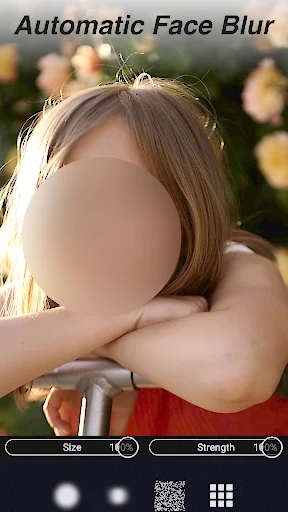
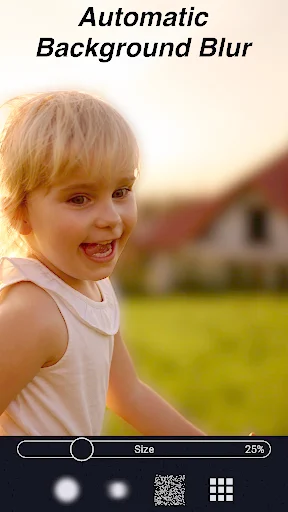
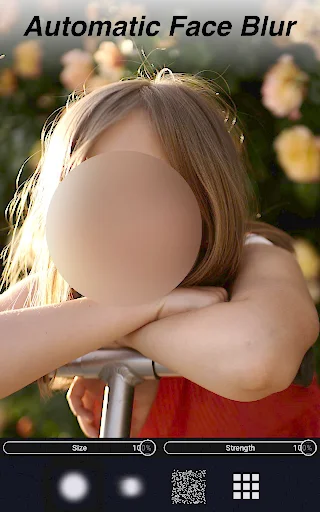
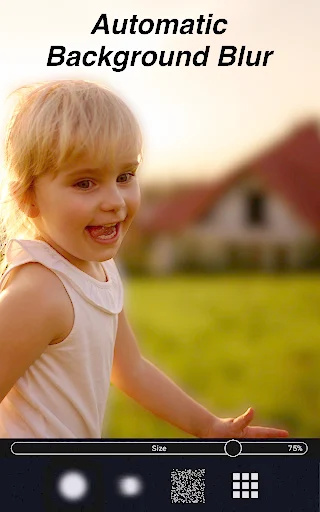
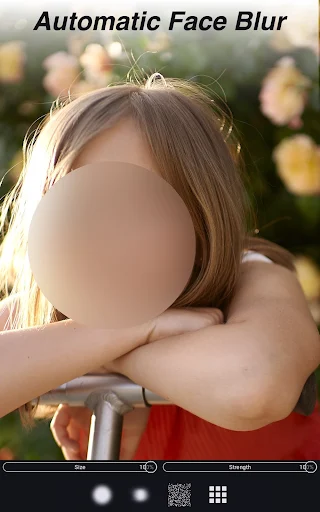
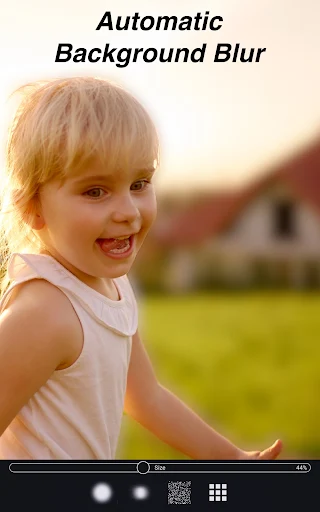
The app automatically identifies faces and backgrounds within an image, allowing users to apply blur effects without selecting areas by hand. Selecting the automated background tool isolates the main subject and softens the surrounding backdrop to change the visual focus. Similarly, the automatic face blur tool detects facial features across the frame and covers them instantly before an image is posted or transferred.
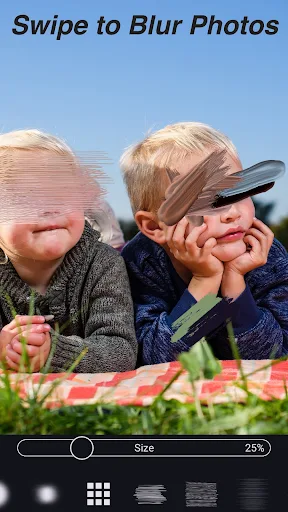
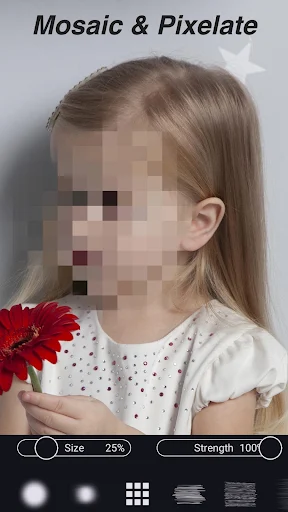
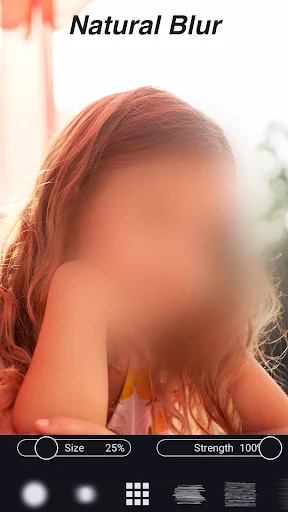
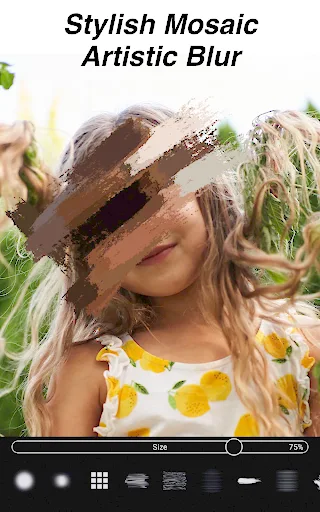
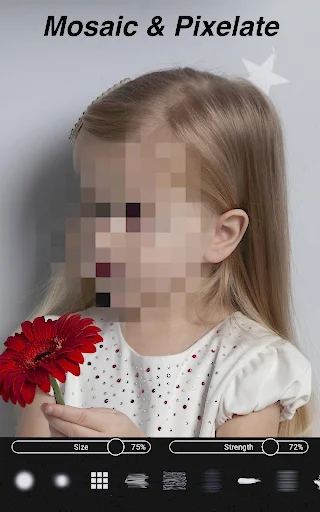
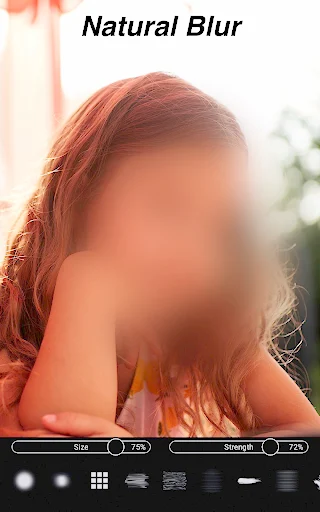
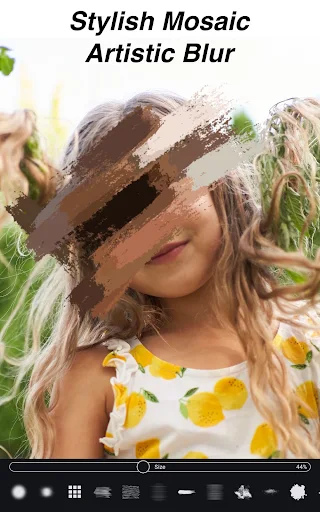
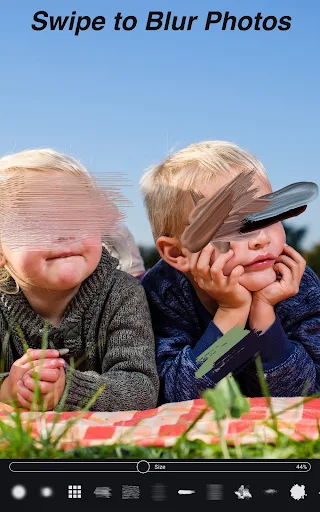
For targeted corrections, the app provides a manual editing brush that applies effects wherever a finger moves across the screen. Users can choose between a smooth blur, a pixelated grid, or a block-style mosaic, adjusting the intensity and strength of the effect to suit the image. If an effect covers too much of the photo, an integrated eraser tool and an undo option allow users to refine the boundaries or revert recent changes.
While faces and backgrounds can be recognized automatically, details like documents, text, and vehicle license plates require manual selection. Users can brush over sensitive printed information with pixelation or dense mosaic blocks to prevent readable data from being shared. The workflow relies on manual inspection, requiring users to review the covered areas to confirm that personal details are fully obscured before finalizing the edit.
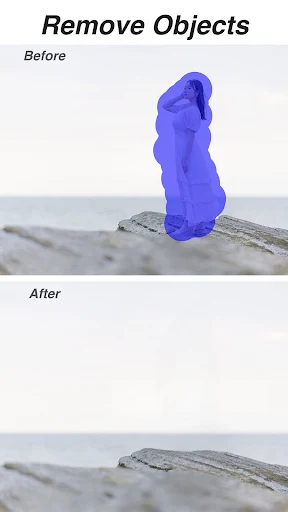
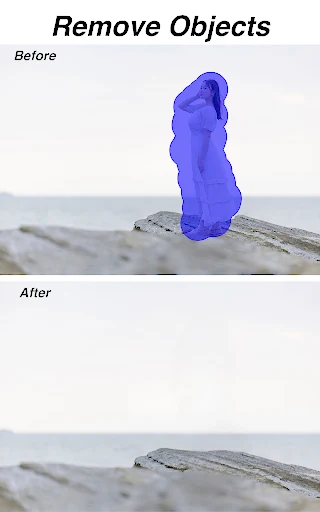
Beyond privacy masking, the app includes tools to modify photo composition. An object removal function allows users to erase unwanted items and distracting elements from a scene. Additionally, a background removal tool separates the primary subject from the rest of the image, preserving the isolated subject for further editing, brush applications, or filter adjustments.
Your comment was submitted and is awaiting moderation.
Your comment was published.