App Screenshots
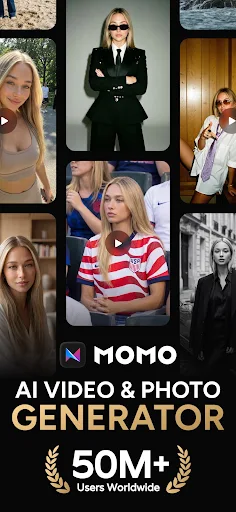
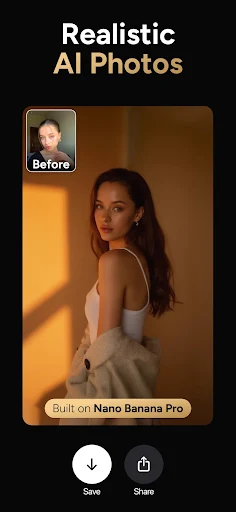

AI photo and video generator
Experience a smoother performance with bug fixes and enhancements. Update now for an optimized user experience!
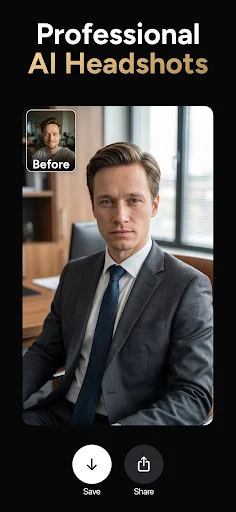
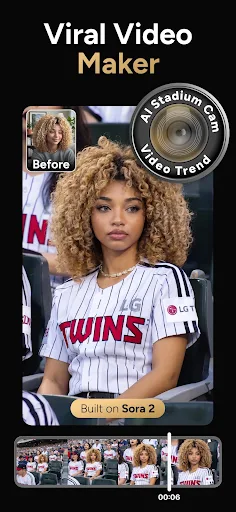
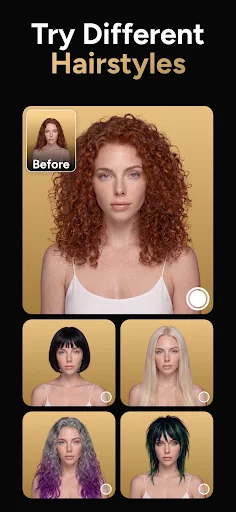
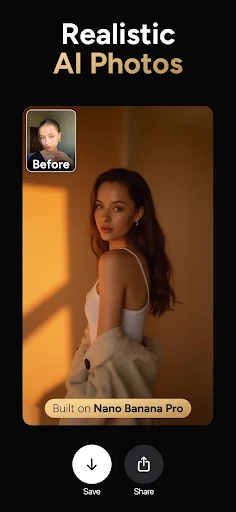
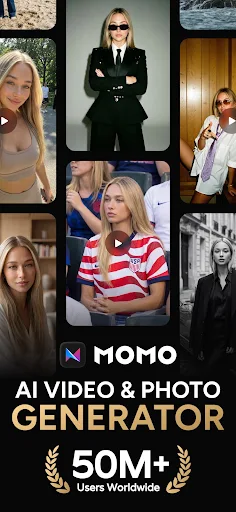
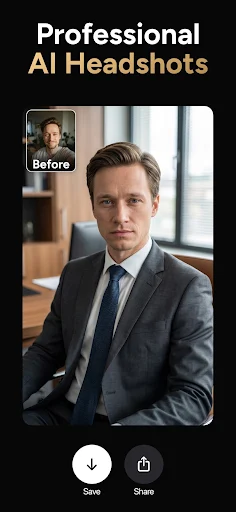
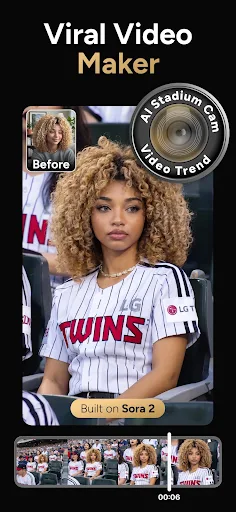
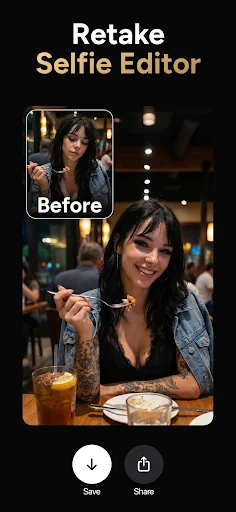
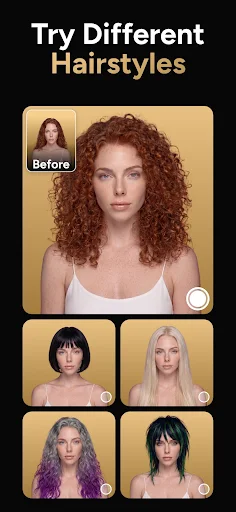
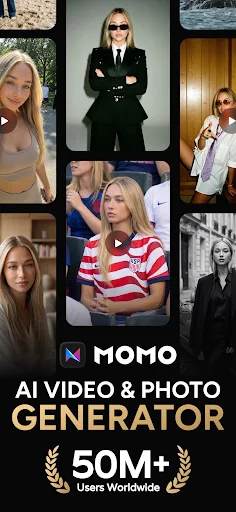
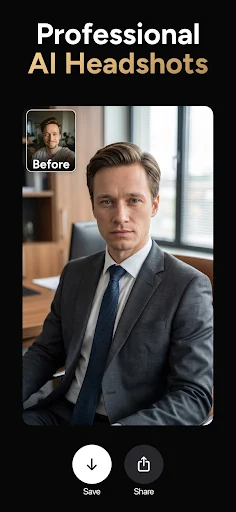
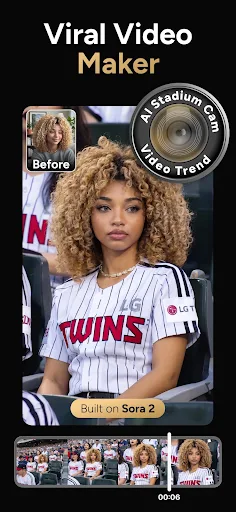
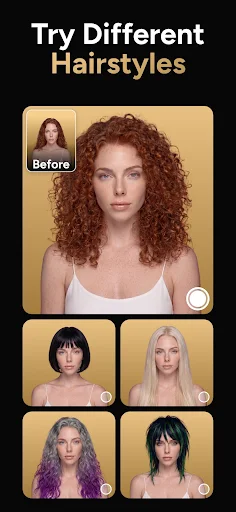
Creating customized portraits and short clips often requires specialized software, but Momo: AI Photo & Video Maker automates this process through image-to-image and text-prompt generation. Users can upload existing photos to generate styled visual assets, ranging from professional profile pictures to animated clips. What sets the platform apart is its combination of targeted portrait adjustments—such as hairstyle changes and age filters—alongside creative transformations like turning standard photos into dance videos, anime art, or themed photoshoots.
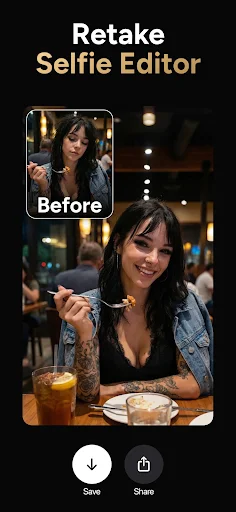
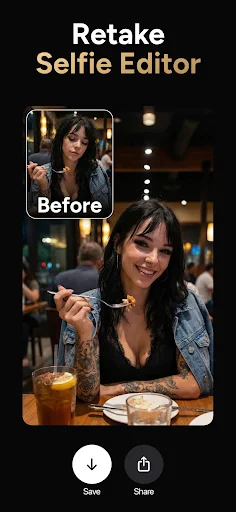
The app processes user-uploaded photos to build a personalized AI model, allowing for specific image enhancements and transformations. Beyond basic photo retakes, users can adjust practical portrait elements like hairstyles or apply photo upscaling to sharpen lower-resolution images. For video creation, the platform applies movement templates to static portraits, generating short clips such as AI dance sequences or stylized video edits suitable for social media sharing.
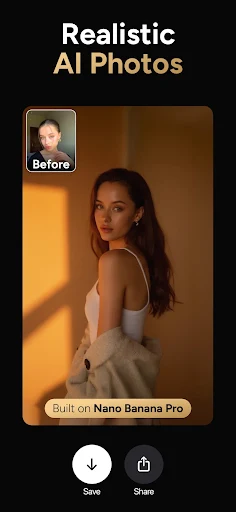
Users can transform images by selecting built-in artistic presets or entering text prompts. Creative options include ultra-realistic portraits designed for platform profiles like LinkedIn or dating apps, alongside stylized presets such as K-Pop aesthetics, vintage yearbook styles, cartoon art, and sketchbook doodles. The system also supports themed scene generation, including spotlight photoshoots, travel backgrounds, and fantasy environments.
Image generation relies on processing uploaded facial data to create the user’s temporary model. According to the developer’s documented privacy policy, this face data is used exclusively for generating the requested content and is permanently deleted from the servers once processing is complete.
Your comment was submitted and is awaiting moderation.
Your comment was published.