App Screenshots
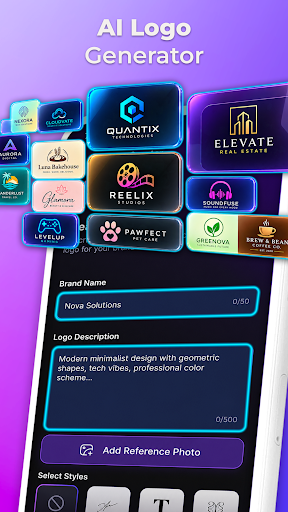
AI-powered logo design generator and creator.
Performance Improvements
We've optimized the app for faster load times and smoother interactions to enhance your experience.
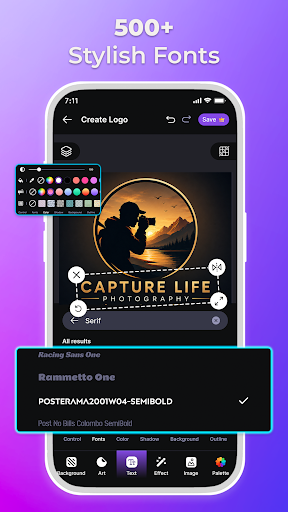
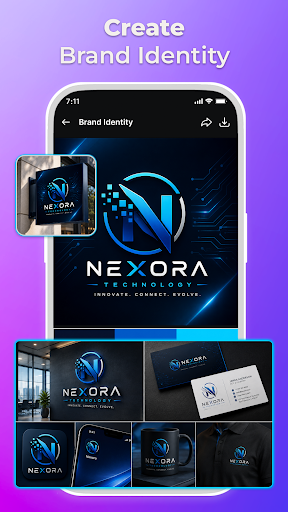
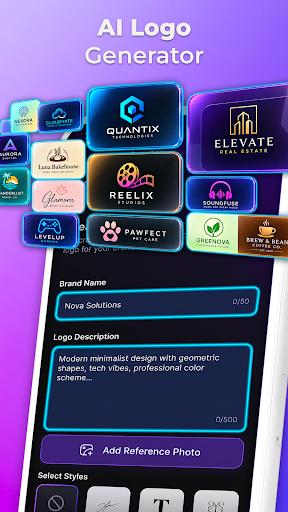
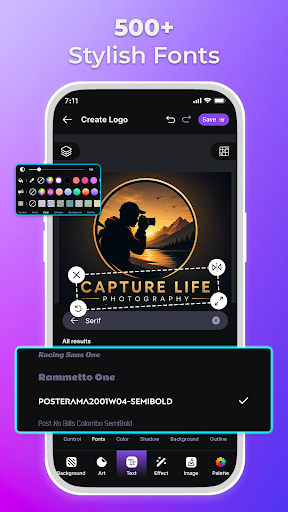
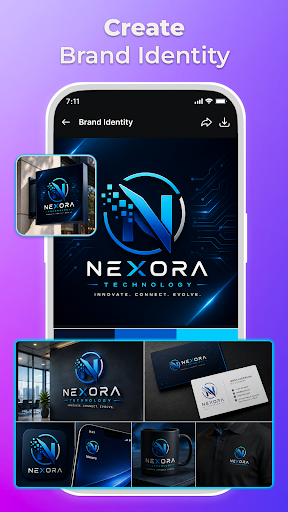
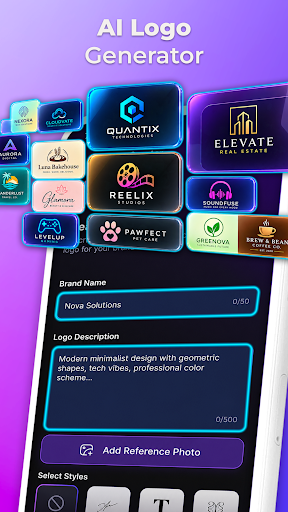
Generating a custom brand identity usually requires design software skills, but AI Logo Maker & Logo Creator simplifies the process by converting text prompts into visual concepts. The app combines an automated prompt-driven generator with manual editing tools, allowing users to build logos for businesses, products, or social media channels without starting from a blank canvas. Beyond basic text generation, it includes a restyling feature designed to transform existing images, along with a library of pre-built assets for direct customization.
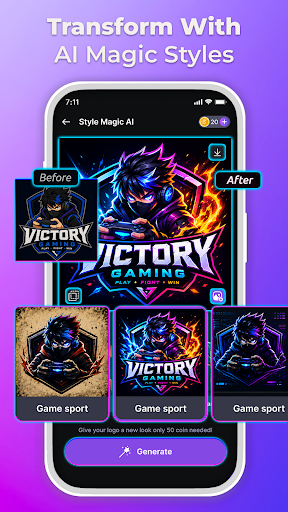
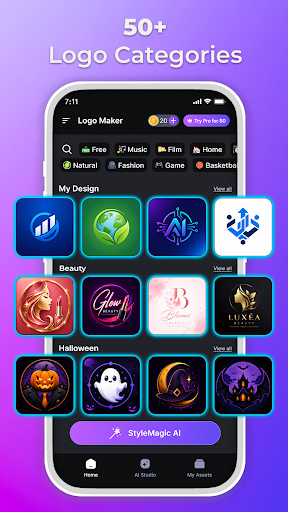
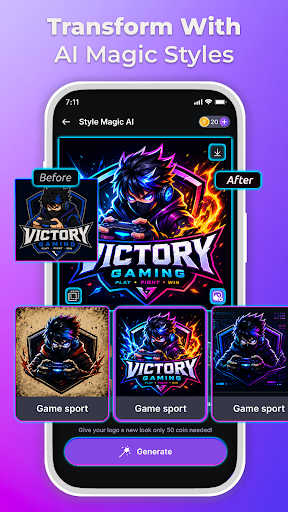
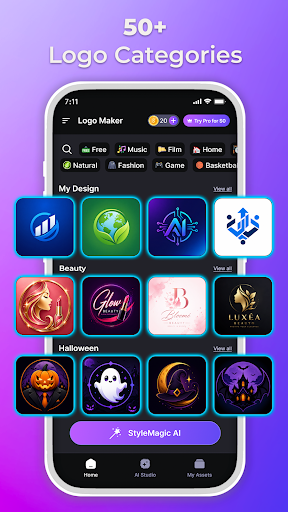
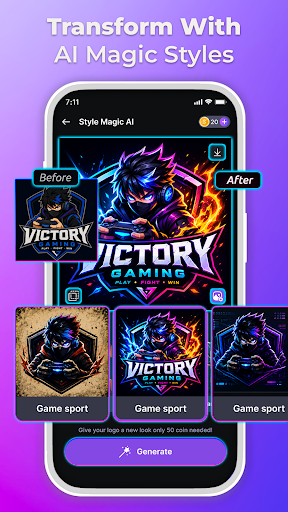
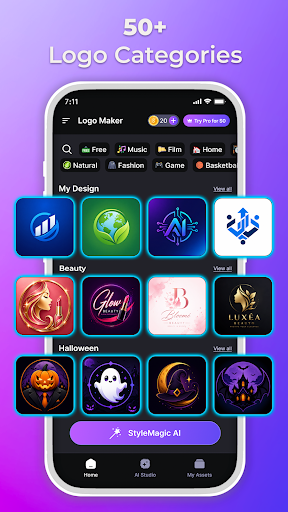
The core generation workflow relies on textual prompts where users input details about their industry, preferred colors, visual style, or overall concept. The app processes these inputs to produce multiple initial logo options. For existing designs that need an update, the Style Magic AI tool allows users to import an established logo and apply new visual treatments. This function generates alternative variations in artistic, modern, or dimensional styles while preserving the foundational shape of the original graphic.
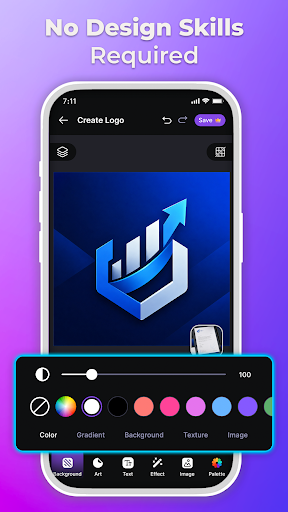
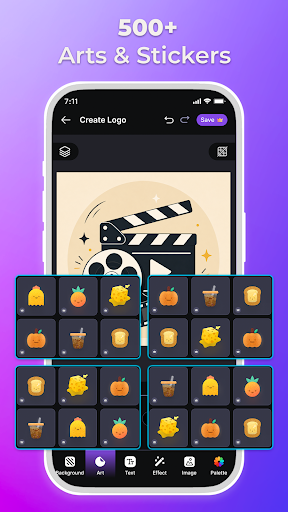
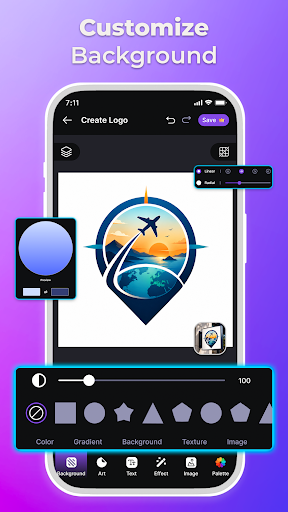
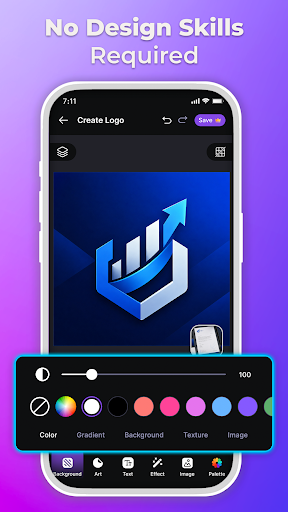
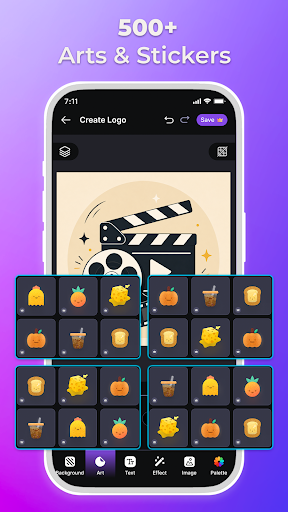
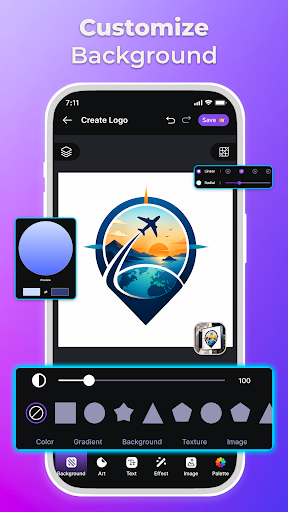
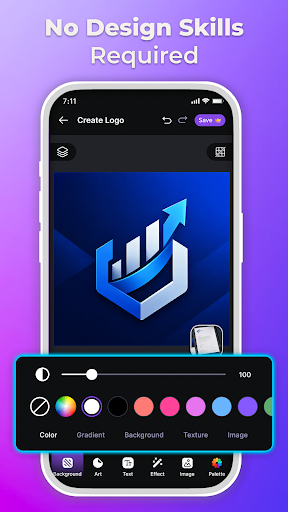
Once an initial visual concept is generated—or selected from the app’s catalog of over 5,000 category-specific templates—the manual editor provides tools to fine-tune individual graphic elements. Users can adjust layouts, spacing, fonts, and color palettes, as well as apply visual effects like gradients, surface textures, and 3D dimensional depth. After completing the editing process, the final logo design can be exported directly from the app in high resolution for digital or print use.
Your comment was submitted and is awaiting moderation.
Your comment was published.